Dion's Pizza Delivery Guide US Dion's Pizza Delivery Guide Menu, ordering & delivery areas
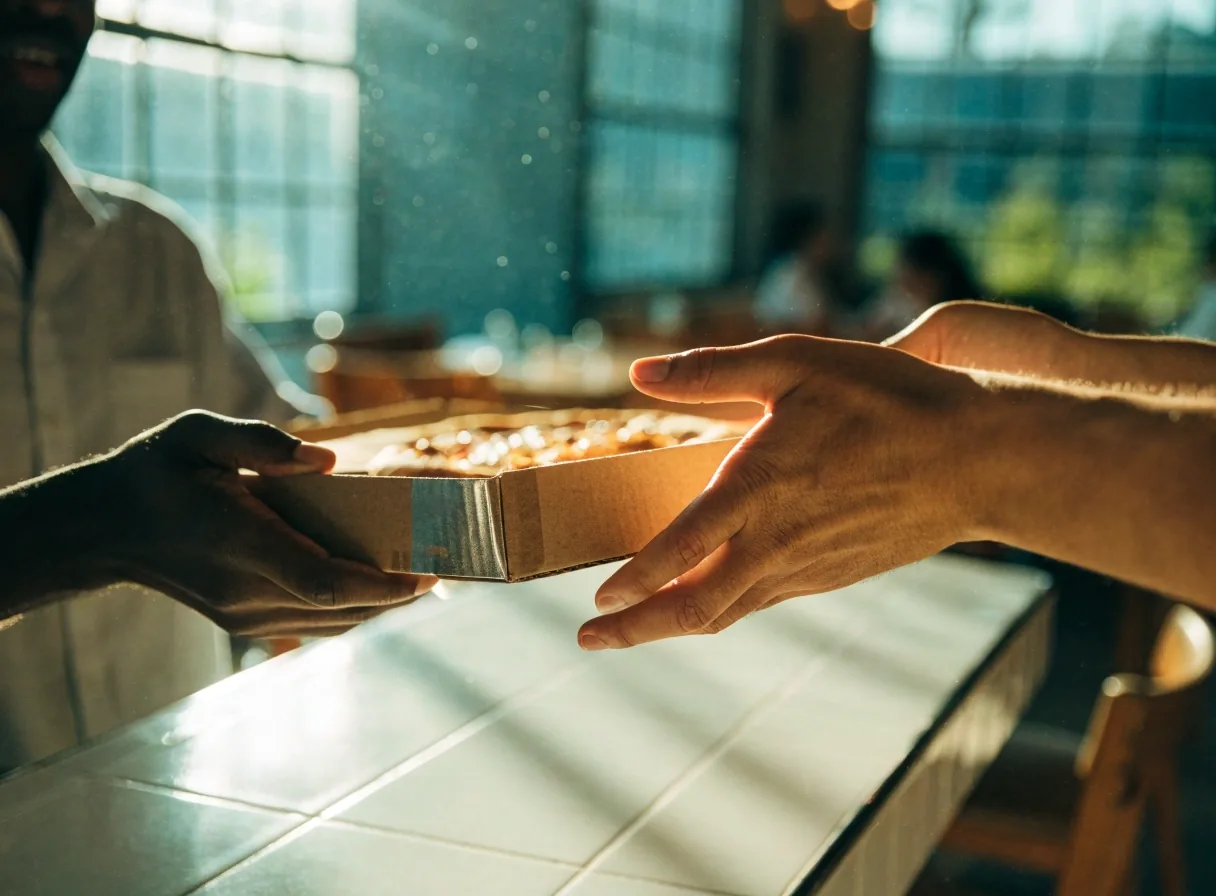
Ticket pad and pizza box on a warm counter in morning light

How to Order Dion's for Delivery

Confirm your address first, choose the channel second, and build the order last. That sequence keeps your cart deliverable.

Ordering guide

Ordering Dion's delivery is mostly about sequencing. Confirm your address first, choose the channel second, and build the order last. Doing it in that order saves you from filling a cart that cannot be delivered. Here is how each step works and where the details vary.

This guide walks through Dion's online ordering, app orders, and third-party delivery through marketplaces such as DoorDash, Uber Eats, and Grubhub. The store, the platform, and your street address shape the menu you see, the fees at checkout, and how the handoff works.

Start with what decides the order

Two checks come before any pizza selection. They take a minute and prevent most failed carts.

Step one: confirm your address

Before anything else, enter your full street address in the ordering channel you intend to use. This is the single step that determines whether the rest of the process is even possible. If the address is accepted, delivery is available for that order. Use the complete number, street, and unit so the check reads your location correctly.

If the address is not accepted, you have saved yourself the trouble of building a basket. Retry with the exact format your mailbox uses, then consider pickup as the backup.

Full address first. No cart until the check passes.
Step two: pick your channel

There are two main paths: the restaurant's own online ordering and third-party platforms. Some markets, including Santa Fe, run delivery through a platform such as DoorDash. Uber Eats and Grubhub are also common restaurant delivery marketplaces in the U.S.

The channel determines the menu, the fees, and the tracking you will see. If you have more than one option for your address, open both and compare the final total before you commit to a basket.

Restaurant ordering or marketplace. Fees and menus follow the choice.

Website versus app

Both the website and the app let you verify an address and place an order. The app tends to be faster for repeat orders because it remembers your details, your recent items, and your saved address. The website is easier if you are ordering from a desktop or comparing items side by side.

Neither is better in a general sense. Pick based on where you are and how often you order. For a first order from a new address, the larger screen helps you read the delivery check, the menu notes, and the checkout breakdown without missing a line. For a weekly office lunch, the app cuts that same flow to a few taps.

Whichever you use for Dion's, keep the same address format across channels. Small differences in abbreviations and unit numbers are a common reason an address passes on one channel and stalls on another.

How to choose

Match the tool to the moment

  • Use the app for repeat orders with a saved address and payment method.
  • Use the website when you compare sizes, sides, and totals side by side.
  • Verify the delivery check on the channel you will pay on, not a different one.
Browse the delivery menu
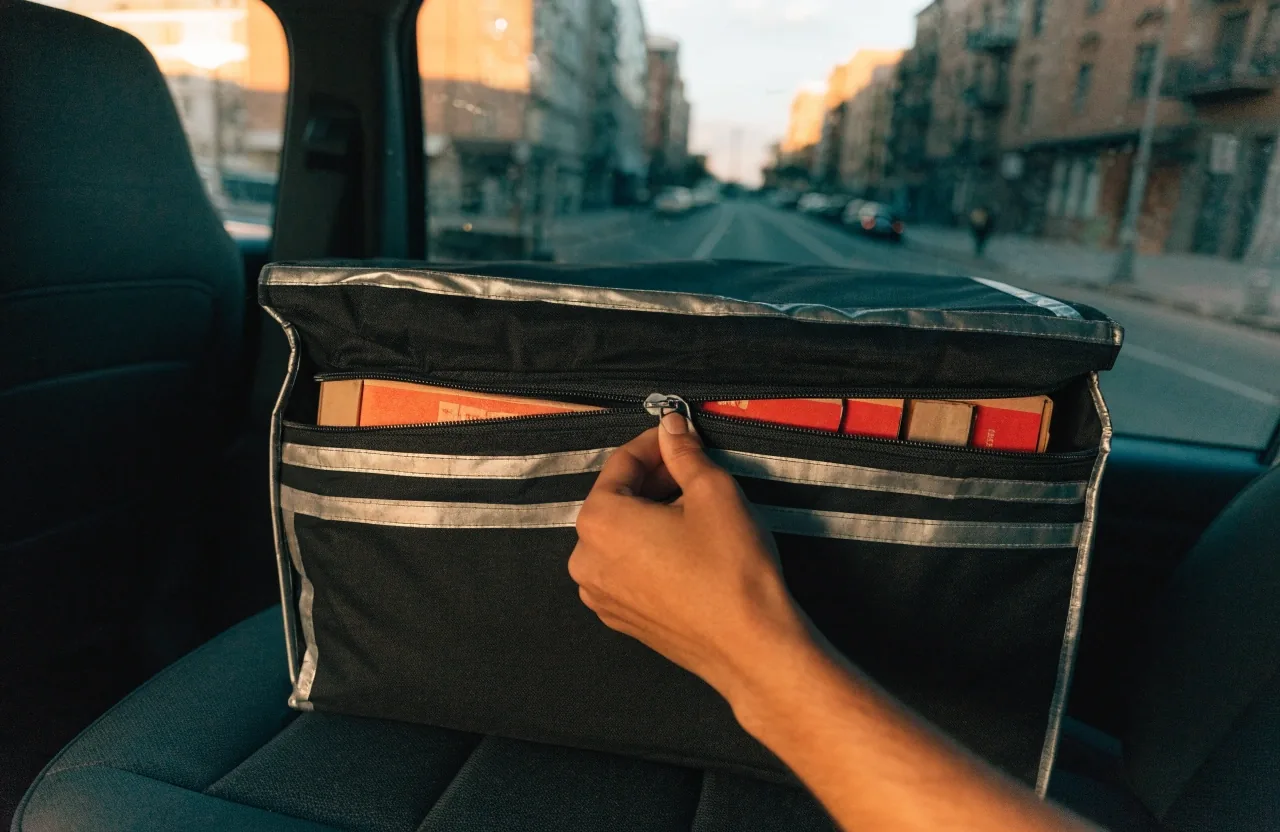
Delivery bag ready on a car back seat at dawn

A packed bag ready to leave. The channel you choose sets who carries it and how tracking reaches you.

Fees and rules

Third-party platforms and what changes

When delivery routes through a platform, the platform controls the delivery fee, the service charge, and the tracking updates. Menu availability can also differ from the restaurant's own listing.

Delivery minimums

Delivery minimums vary by market and by platform, so there is no single number that applies everywhere. A minimum is the subtotal your order needs to reach before delivery is allowed. If your basket falls short, adding a side is usually the simplest fix. The minimum will be shown before you pay.

Shown before payment. Sides fill a short basket.

Fees and service charges

Expect a delivery fee, and on third-party platforms, often a service fee on top. These are separate line items, and they can make the same basket cost different amounts on different apps. The delivery fee may also scale with distance in some systems. Read the breakdown at checkout rather than assuming the subtotal is the total.

Two line items. Compare the final total.

Check your delivery area

That is not a flaw, just how marketplace delivery works for Dion's orders.

Prep table with flour and stacked boxes in morning light

At the door

Timing follows the store, the platform, and the rush. Keep your phone close and the address complete.

Timing and handoff

Delivery windows depend on the store, the platform, and how busy the moment is. Friday evening runs longer than a quiet Tuesday lunch, and tracking reflects that in real time. Give the estimate room rather than planning the meal to the minute.

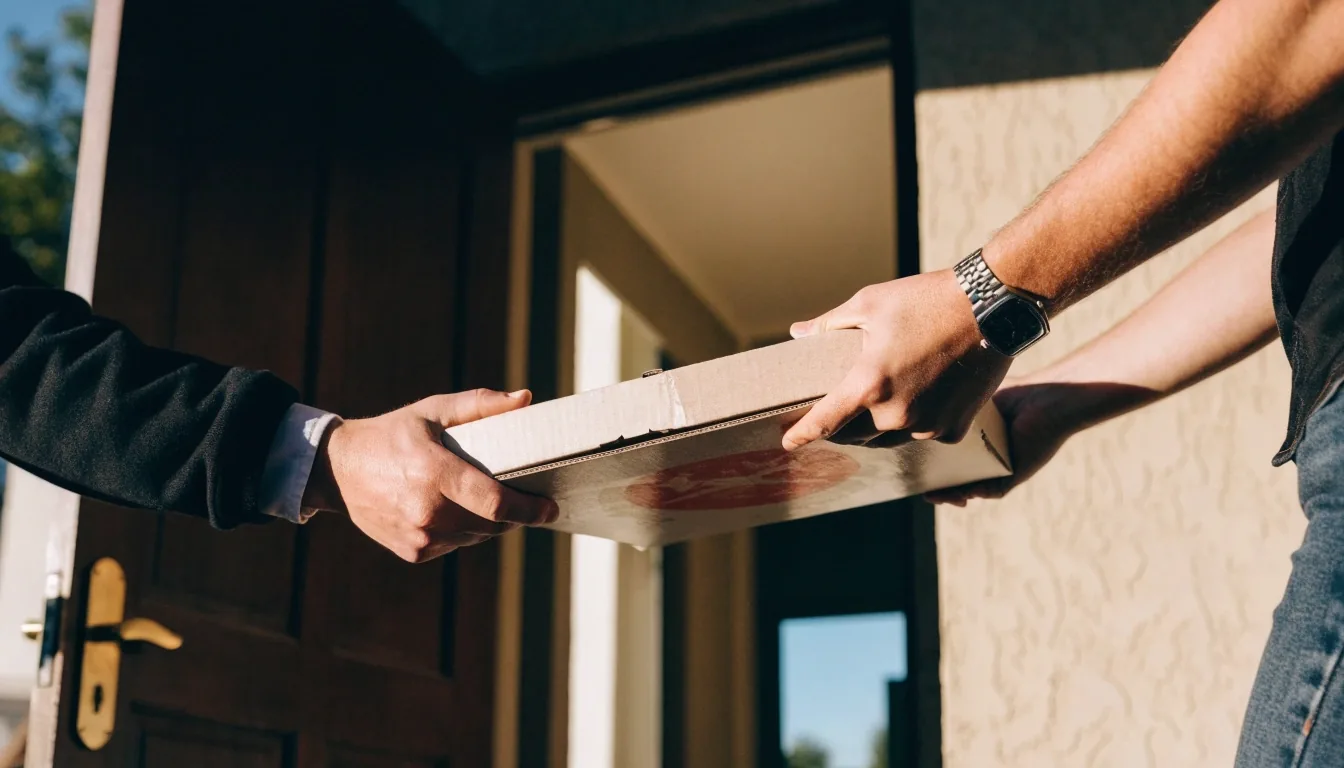
At handoff, the driver brings the order to your door or meets you at a specified point, depending on the platform's process. Keeping your phone reachable during the window avoids a failed drop. If you are in an apartment building, add the unit number to the address and include gate notes where the checkout allows it.

If the driver cannot reach you, the order may return to the store. A reachable phone protects the delivery.

Stacked pizza boxes ready for pickup on a pass-through shelf

If delivery is not available

When your address falls outside a delivery zone, carryout covers most orders. Most locations offer pickup, and many offer dine-in as well. A group order placed for pickup by one person is often the fastest workaround.

Pickup also avoids the fees that come with platform delivery. Check the store list on the delivery areas page, then call ahead if you are timing a large order.

Check your delivery area
Hands checking an order confirmation beside a pizza box

Payment and order confirmation

Payment methods depend on the channel. Platform orders typically use the payment method saved in that app, while the restaurant's own ordering may offer its own options. Confirm which card or balance is selected before you place the order.

Whichever you use, keep the confirmation until the order arrives, since it carries the reference you would need if something goes wrong. That reference is also what a store needs to look up your order.

Contact us with a question

Ordering questions

Short answers for the checks that stall most Dion's orders.

Can I place a delivery order by phone?

Phone ordering exists at many locations, but delivery itself may still route through a platform. The ordering channel shown for your address is the reliable guide.

Are there delivery minimums?

Yes, minimums apply in most delivery markets, and the amount varies by location and platform. It is displayed before payment, so you can adjust the basket before you pay.

What fees should I expect?

A delivery fee is standard, and third-party platforms often add a service fee. The same basket can total differently across apps, so read the checkout breakdown.

Why does my address get declined?

It likely falls outside the delivery radius of the participating store. Pickup is usually available as an alternative, and a single pickup run often covers a group order.

Ready to build your order?

Check the zone, browse the menu, or send a question. Guide hours are Mon–Sun, 10:30 AM – 10:00 PM.